

An editorial calendar is a shared view of planned work, ownership and timing. Its purpose is to help a team publish useful material consistently enough to support its audience and business—not to fill every date. For a small team, a realistic calendar is usually more valuable than an ambitious schedule that cannot survive approvals or client work.
Decide What The Calendar Must Help You Manage
Before choosing software, list the decisions that repeatedly cause friction. A team may need to see which audience a topic serves, whether sources are ready, who owns the draft, when a specialist must review it, and which page it supports. Put those fields into the calendar before adding decorative status labels.

Useful columns include working title, audience question, cluster or hub, format, owner, source status, draft date, review owner, publication window, related URL and next review date. Use a single status vocabulary understood by the whole team, such as proposed, researching, drafting, review, approved and published.
Plan Around Capacity And Dependencies
Estimate the work that each format actually requires: research, drafting, subject review, design, editing and publication. Reserve space for client delivery and unexpected revisions. A monthly view can show a mix of work at different stages, but it should not imply that every idea must be published in that month.

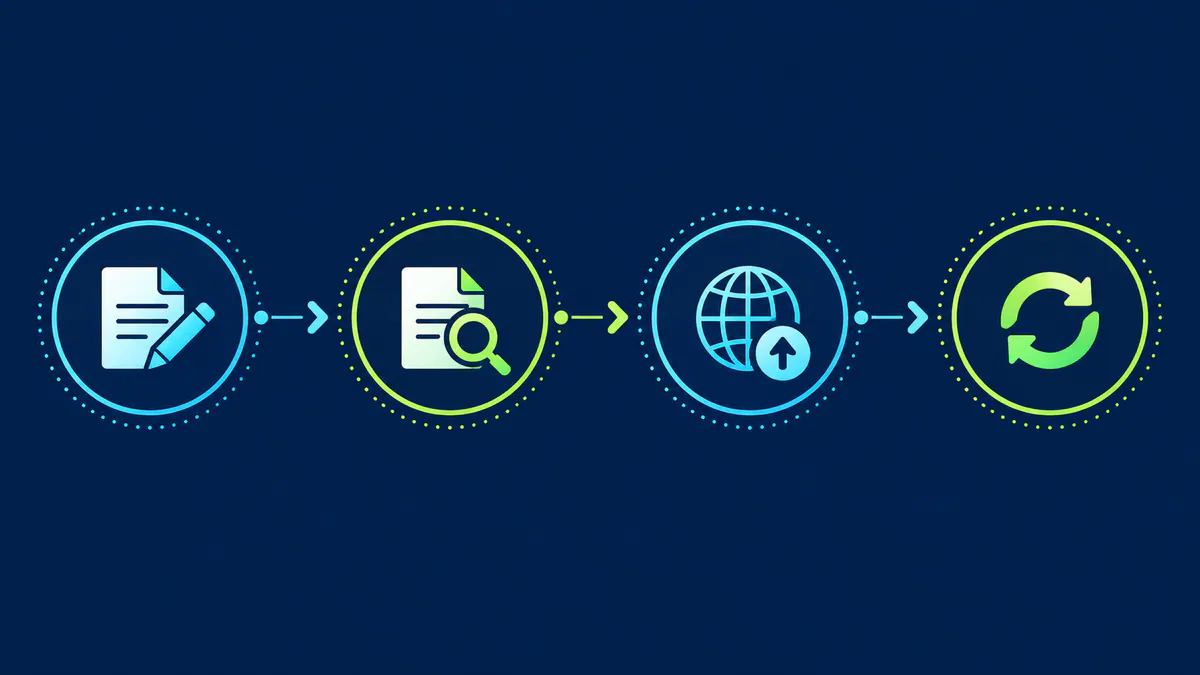
For example, one feature article might move from brief and source review in week one, to drafting and specialist review in week two, then final editing and image preparation in week three. That is an illustrative sequence, not a recommended cadence for every organization. Let the team's capacity and subject risk determine timing.
Review The Calendar For Gaps And Duplicates
Look across the topics: do they serve the intended audiences, connect to useful service pages and add something not already covered? A planned post should have a clear role in the website’s structure. If two rows solve the same reader problem, combine them or make the distinction explicit.
The Publishing & Conversion hub can anchor workflow-related content, while social media management supports platform-publishing guidance. Google’s people-first content guidance cautions against publishing merely because a schedule demands it. Keep the calendar flexible enough to remove weak ideas and respond to genuine audience questions.
Sources
- Google Search Central: Creating Helpful, Reliable, People-First Content
- Google Search Central: SEO Starter Guide